AlephZero

Aleph Zero is a next-generation Layer 1 blockchain platform, meticulously designed to set new standards in privacy and scalability for decentralized ecosystems. Its novel consensus mechanism, AlephBFT, delivers lightning-fast transaction speeds, sub-second finality, and unparalleled security. These features make it the ideal foundation for privacy-focused applications and enterprise-grade solutions. Engineered for adaptability, Aleph Zero supports a wide range of use cases, from DeFi to supply chain management
Connect your wallet to AlephZero
Throughout this guide, we will assume that you are using the Metamask wallet since it is the one most people use, the process of setting up a wallet should be very similar regardless of the wallet you choose
- The first step is to open Metamask and select the network icon dropdown menu
- When the pop-up appears, click Add Network
- The Add a network page will open. Add the following details:
| Network name | AlephZero |
|---|---|
| RPC URL | https://rpc.alephzero.raas.gelato.cloud |
| Chain ID | 41455 |
| Currency symbol | AZERO |
| Block explorer URL | https://evm-explorer.alephzero.org/ |
Once you're finished, click Save
- You are now connected to the AlephZero
Bridge to AlephZero
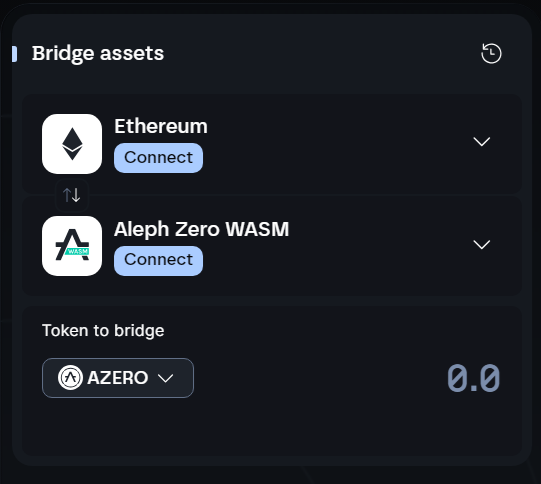
Tokens can be bridged to AlephZero using Common bridge
Gas on the AlephZero is paid in AZERO.
Therefore, we recommend bridging it as the first token so you can process transactions