Auto mode
- Select a strategy provider

- Select a strategy

- Input amounts
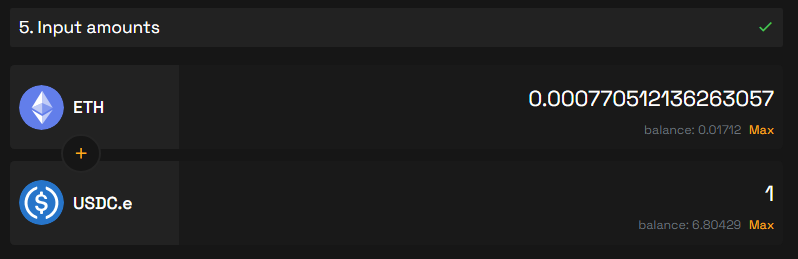
- Approve and Create a position
To proceed with creating a position, start by granting approval.
(This is solely necessary for the initial liquidity provision involving a token)
Following approval in your wallet, proceed to click on Create position
- Review the provided details
Consider setting a time-lock to boost the APR earned from farming emissions
warning
Before you lock your position, ensure that the pair of your position is emitting x/GRAIL emissions before locking it. If there are no emissions being generated for the pair of your position, time-locking won't enhance any APR
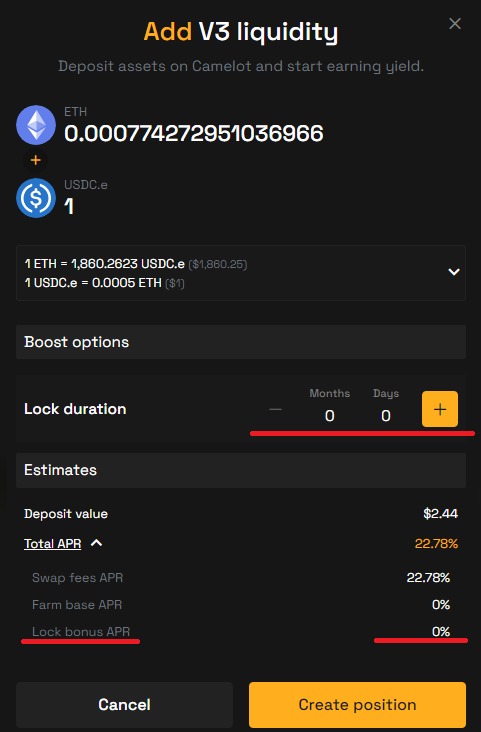
- Create a position
Once you're comfortable with the specified parameters, proceed by clicking the Create position button and confirm the transaction/s in your wallet
